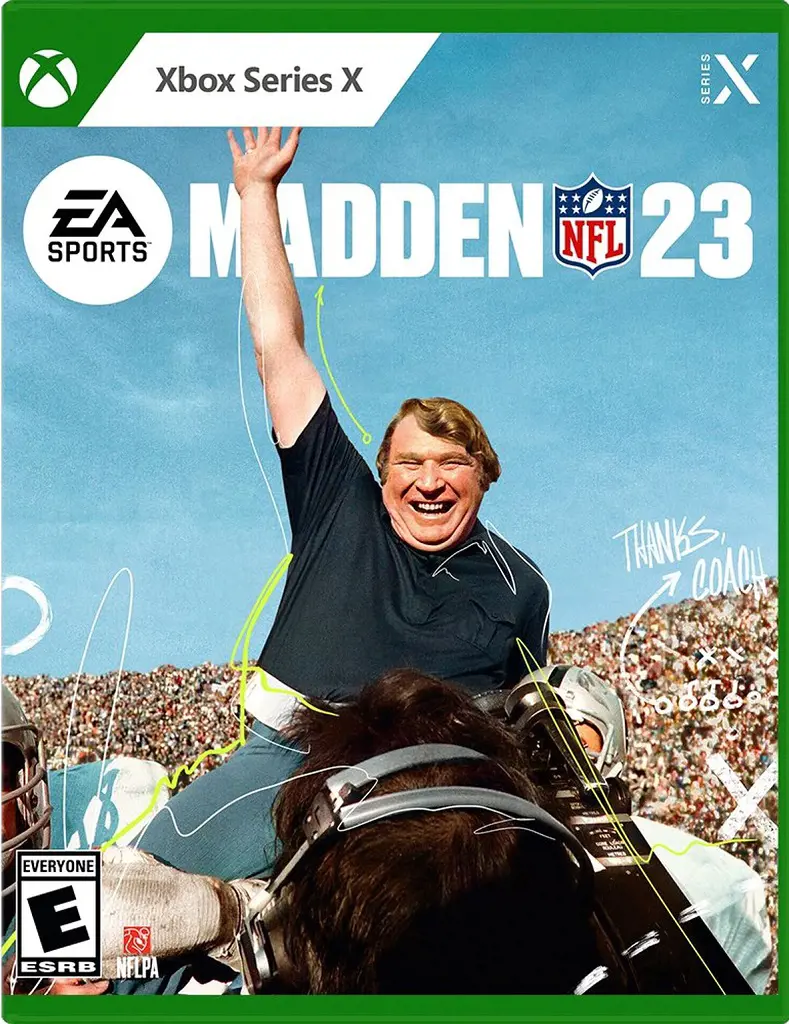
Madden 23 Sliders Explained
Madden 23 Sliders are the tools that allow users to modify the settings per their preference. Sliders make the game more realistic and entertaining.
The default settings might be too tricky for some, while it may be an easy task for others.
Some of the usefulness of sliders are: adjusting the chances of interferences, WR's catching, passes, QB's throwing accuracy, and so on.
Firstly, the thresholds are adjusted, then penalties are considered before finally moving into the gameplay sliders.
Madden 23 franchise sliders include a new feature called FieldSENSE. To experience this new feature, videogame consoles like PS5 and Xbox Series X|S are required.
These are the sliders:
- Realistic Penalties Sliders
- Player & CPU Gameplay Skill Sliders
- Franchise Mode League Settings & XP Sliders
Realistic Penalties Sliders
It manages the number of times the referees will call certain penalties. Per your interest, you can either turn on or turn off the penalties, although it is suggested that it is always kept on for a realistic game.
The settings can be adjusted, keeping the offside - 80, false start - 60, offensive holding - 70, and facemask - 40.
Also, the Illegal Block in the Back can be set to 70, roughing the passer to 40 and Defensive Pass Interference can be set to 60.
Player & CPU Gameplay Skill Sliders
Best Madden 23 sliders include it because this slider helps provide the player an opportunity to experience the game on a bigger scale.
This has been developed by incorporating the previous year's adjustments along with the current state of mind.
This slider can be adjusted by setting the QB accuracy to 35, pass blocking at 15, and WR Catching at 55.
Franchise Mode League Settings & XP Sliders
XP sliders Madden 23 are helpful because Experience Points (XP) let the players determine the rate by which they earn XP in different positions.
For this, QB accuracy is fixed at 10, pass blocking at 35, WR catching at 45 and run blocking at 70.