Blog

How To Play College Football Revamped?

By Ayush Khadka / 5 July 2023 02:52 AM

CFBR has rejuvanted interest in Football fans.
Source : instagram

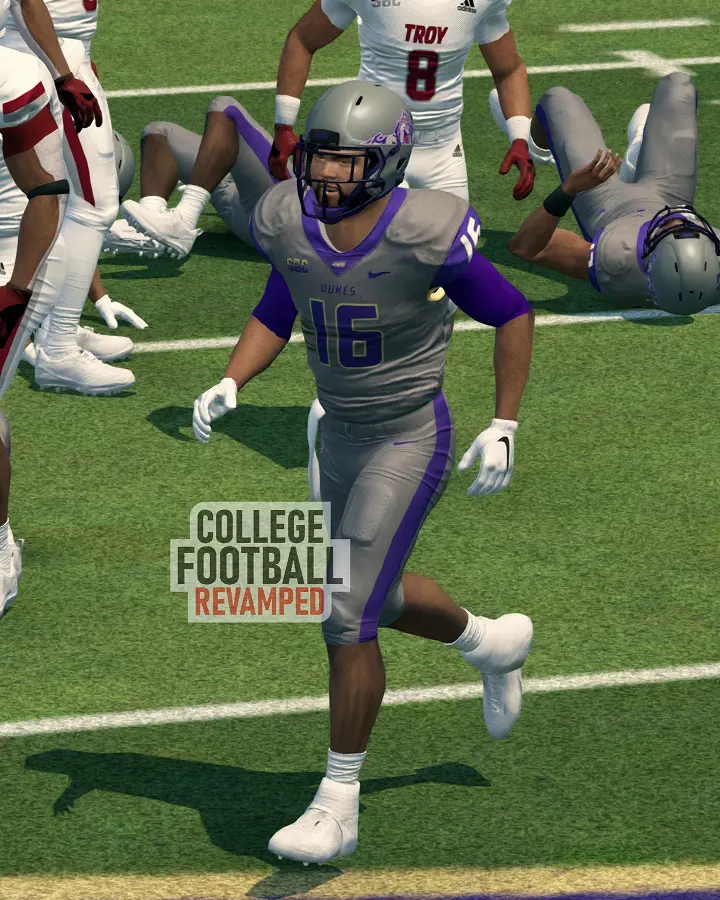
To play College Football Revamped players need to install NCAA Football 14. CFB Revamped is available to play for free on PS3, Xbox, and PC.

CFB Revamped is an updated mod version of the NCAA Football 14 video game that was released on 9 July 2013. The game was the last ever NCAA-themed game for almost a decade. EA Sports halted the franchise due to ongoing legal disputes.

Many collegiate football fans have long desired the return of their favorite sport to their gaming platforms, and the desire only grew as the NFL's version continued, but the NCAA one did not. Many fans consider the NCAA 14 to be one of the best football games too.

To carry on with the gaming upgrades like textures, uniforms, and team logos, a small group of developers came together to develop a revamped version in 2021. The team periodically updates its game development and its version on various social media.

Moreover, the hype for college games increased when EA announced that they would release a new NCAA video game in the summer of 2024. Some people want the revamped version to get familiar with the collegiate level while others seek to bask in nostalgia.

How to Get College Football Revamped?

College Football Revamped download can be through their official releases at GitHub. The game is available for PS3, PC, and Xbox.

Source : instagram

Version 10 was the first one released on 27 March 2021, and the latest one, v20, got released on 1 January 2023. This is the version that people can download today. The developers have also stated that people should not delete the previous versions, and can install the latest one.

Once you go to Github, you can scroll down to see which copy of the game you have. You need to have a physical disc copy or the PSN Store digital one. Clicking on either one will take you to your next download procedure (XBox version doesn't have this step).

The developers have a new Scorebug with an ESPN theme since v17. However, this new score bug can contain issues for some systems, so for those people, there is the old score bug too.

Once you choose either of them, then you need to scroll down to the Download Instructions and click on the highlighted link (the files can be in 2 parts too). You need to remove the USB drive after installing the files too.

How To Install CFB Revamped?

College football revamped can be installed with the help of RPCS3 for the PC version.

NCAA 14 is not officially available on Windows and PC platforms, however, there is still a workaround to get installed on your computer. However, you still need a PS3 disc copy to play the game.

For the PS3 and Xbox versions, there is no need to download any emulators, but you should still have a disc copy and the original game downloaded into your console. The developers have provided different instructions for each, which we will look at separately.

Likewise, many modding tools are available for both consoles and PCs. For modding, you need a game copy and QuickBMS. If you seek to make your own team builders, then you need a Photo Editor like Photoshop, while Xbox users need to have Noesis.
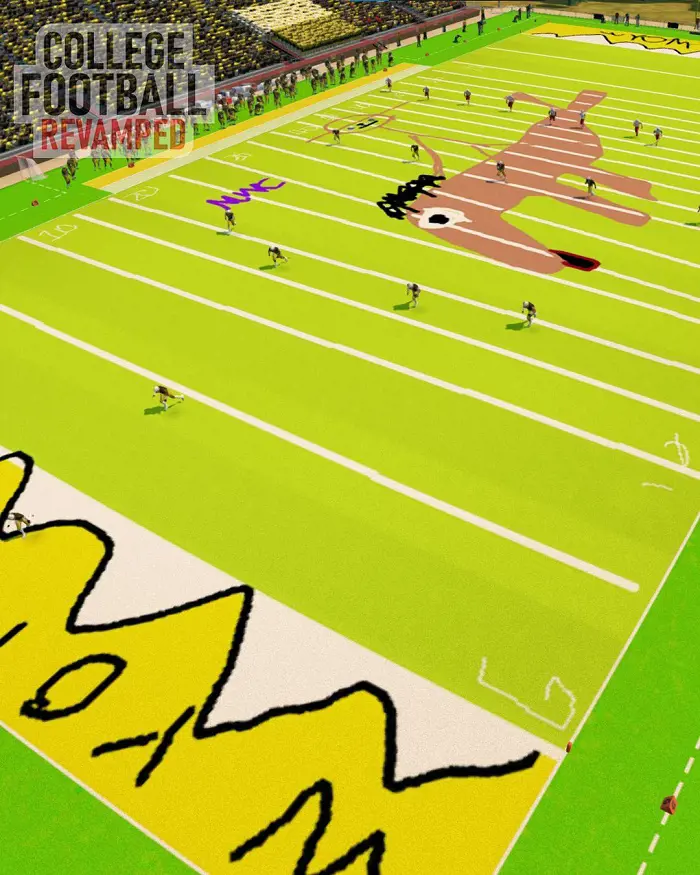

College Football Revamped Xbox 360

College Football Revamped Xbox 360 is installable in GOD format, ISO copy, and the disc version.

Source : instagram

For the players with disc copies, you can get game files from the disc at Aurora Dash or Freestyle Dash. It is also important to know that you need to select USB01 instead of HDD1 while installing the CFB Revamped in your External USB drive.

For the installation of the new CFBR DLC, you need to delete the other files and only download the ones provided in GitHub.

Here are the steps you need to follow for a successful installation:

  • You can install the required DLC files from CFB's official Githhub store.
  • After downloading, unzip the file and find the Content folder on USB.
  • Then, create a specific path: USB: Content\0000000000000000\454109B6\00000002.
  • After that, unzip the .rar files and place the DLC contents in the recently made sub-folder.
  • To check whether the installation worked or not, check the UTEP Helmets, since they will have all of them now.

Download Steps for ISO Format

  • For the game with the ISO version, firstly you need to download the Velocity-XEXISO software.
  • Extract the software through RAR or 7Zip. Then choose Velocity.exe and then select the file and then continue to click on ISO. Then, click on Extract All, and put an empty folder inside the USB.
  • Now, install all the CFBR files and put them all in the same folder by replacing the game files. Also, you should remember to set the Paths to USB0.

Download Steps for GOD Format

Source : instagram

  • Firstly, download the GOD2ISO.
  • After GOD2ISO's installation, run the program, and then click on the 44 kb sized GOD game identification file which is located in the 'Add...' part.
  • Select 'Browse..' and then click on the output path for the ISO files. Select GO, and the ISO will automatically come into your output directory.
  • After this process, your game is now in ISO format, and you can proceed to follow the ISO steps.

Here are the minimum requirements you need to have in order to install the Xbox version of CFBR successfully:

  • A Disc Copy of the video game. Digital Copy may work but is not validated by the game developers.
  • A USB drive of at least 8 GB. You can format your PC's USB through Rufus. While formatting for Macbook, select MS-DOS (FAT) instead of ExFat.
  • You need to have a USB drive of an RGH or JTAG mod's chip and menu to access the College Football Revamped.

College Football Revamped PS5

College Football Revamped PS5 is not available as of July 2023. Only PS3 users can play CFBR.

PS3 is the only PlayStation console where the game can be played.
Source : instagram

The first thing that a user needs to perform is to download HEN and MultiMAN in the console. After installing, they need to select the Enable HEN option and place the disc in the console. Only launch the MultiMAN app after putting the disc.

College Football Revamped PS3, PS4, PS5 is not present for all models as the game is accessible for PS3 only.

The installation steps may get confusing for beginners, but it will be a rewarding experience for the people who complete the procedure effectively.

Steps For PS3 Installation

  • Hit Triangle at the NCAA Football 14 icon. Then a menu will pop up and you should copy it. You should accept the "Do you want to copy the game from BD-ROM to internal HDD?" option.
  • It will take about 30 minutes to copy the contents, and after completion, there is no need to use the disc again.
  • Download the two-part files and then drag the files to your USB drive. If you get any error, select the Enable HEN option again.
  • The files should not be placed in any other folders. Only put them at the USB's Root.
  • After this, plug the USB and PS3 together, and then install the files from the Package Manager. Also, you need to remove the disc before the USB is removed.
  • Now, you can launch the game through MultiMan. You will see a disc icon although there is no disc present.

Here are the requirements for running the CFBR game on your PlayStation 3 console:

  • Any model of PS3 is good for playing the game.
  • A USB Drive of 8 GB or bigger is needed for smooth gameplay.
  • A physical disc copy or the digital one from PSN Store.
  • A computer like Windows or Mac.

How To Play NCAA 14 Revamped On PC?

To play College Football Revamped PC, you need RPCS3 emulator to function. The player can choose either the Playstation or Xbox controller.

Source : instagram

Here are the steps you need to follow for downloading and playing the NCAA 14 Revamped in your computer:

  • Installing the RPCS3 emulator is a must to play on a PC. If you have already downloaded it prior, then remove the Games.yml file.
  • Now, you need to name the video game folder as BLUS31159-[NCAA Football 14].
  • After exact naming, open RPCS3 and put the game folder in the dev_hdd0/disc/.
  • Then, you can install the Easy Installer PKG. After installation, pur the PKG file in the main RPCS3 tab. if the game logo changes to CFBRs, then the PC setup is complete.

College Football Revamped PC Requirements

  • A computer like Windows
  • Disc Copy (Digital or Physical)
  • A USB Drive that is 8 GB or more.
  • PS3 Console

College Football Revamped On Discord

College Football Revamped Discord is available for fans to access regular updates of the game and its contents.

Source : instagram

A discord username by the name Wadd is one of the major contributors to the game. They have provided instructions for downloading the game on various platforms and using the modding tools.

Similarly, PV2 Cheeseburger is also another user who messages updates regarding the video game. They also make announcements related to discord group moderation.

User Arrowhead released an NCAA Utility Tool that introduced abilities like the creation of own logos. They also added more modules on NCAA playoffs. Similarly, they updated the National Championship stadium's rotation like reality.

Related post of Blog