Quick Learn

Madden 24 The League Not Working Franchise Mode

By Sushan Shrestha / 8 November 2023 03:29 PM

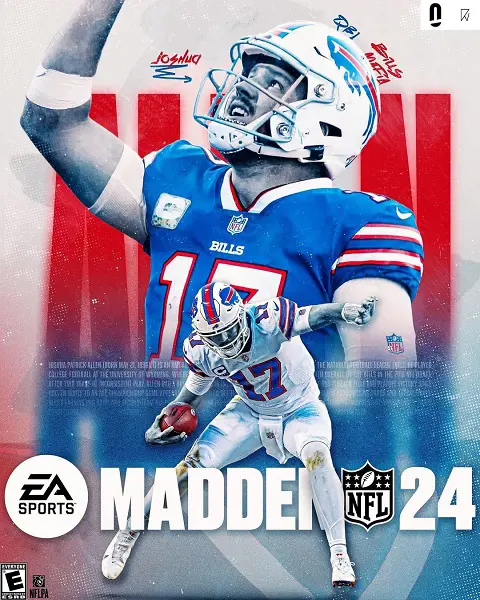
( Source : instagram )

Madden 24 The League not working issue showed the requested league is temporarily unavailable message. It occurred on November 6, 2023.

Due to the issue, users were unable to play online franchise mode. But, the Madden Ultimate Team mode was working smoothly.

The franchise file did not load, and the "The requested league is temporarily unavailable. Please try again later. We apologize for any inconvenience" message popped up on the screen.

The problem appeared everywhere simultaneously, around half past 10 at night. Players playing franchise mode in cloud save were kicked out of the game, while those who tried to enter this mode were not allowed to play.

Likewise, the game mode crashed across all versions, including Xbox, PlayStation, or PC.

On EA Answers HQ, various users described their sorry state and were outrageous. Preacherman79 wrote, "My online franchise is not loading and it is giving me a server error saying try again later. Ultimate team mode is working. I have cleared my reserve space on my console and no difference."

Other gamers shared a similar experience.

The Requested League Is Temporarily Unavailable Madden 24

The requested league is temporarily unavailable is a recurring issue that also appeared in Madden 23. It deleted many of the CFM, and many users were pissed due to that.

"The requested league is temporarily unavailable. Please try again later. We apologize for any inconvenience" is a server-related problem.

Acrobatic_Garden_767 wrote in a subreddit comment that "the only reason I bought 24, because 23 deleted my franchise." It was in response to the Requested Franchise League issue.

Whenever the aforementioned message appears on the screen, gamers are redirected to the main menu. The issue appeared while playing the online franchise.

The earliest sighting of the problem in M24 began around 10 p.m. on the 6th of November. Other gamers complained about getting the exact message while entering or playing the Connected Franchise Mode (CFM).
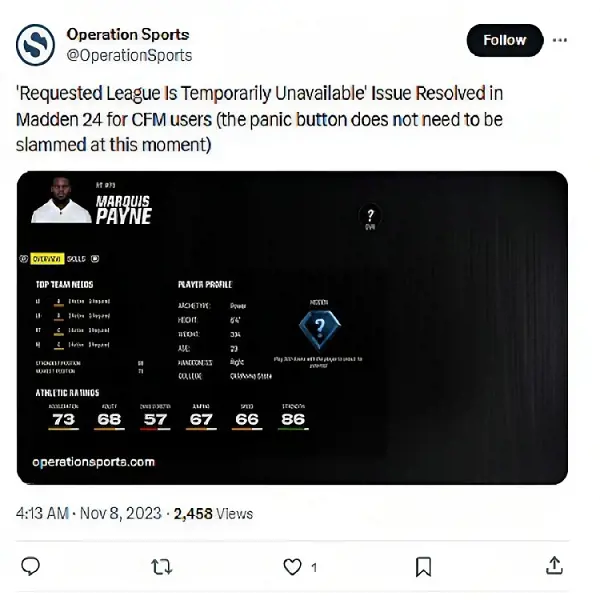
( Source : twitter )

After a day of trouble, EA Sports has fixed the issue. The message no longer troubles gamers. As suspected, it was a server issue that the developers addressed on time.

Another crucial thing is that the CFM is safe, and players can re-enter the online league and enjoy it.
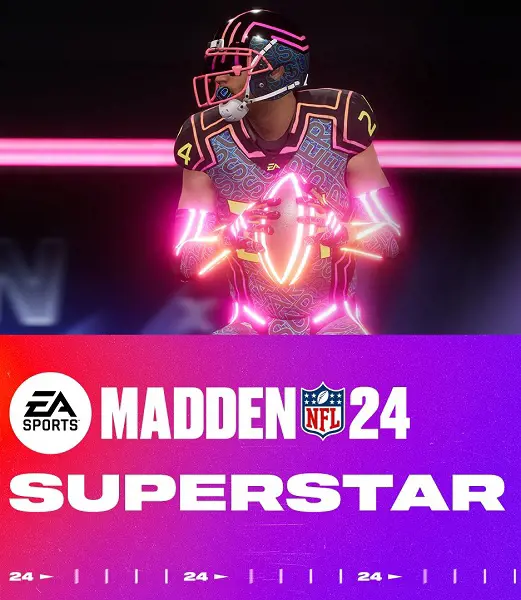
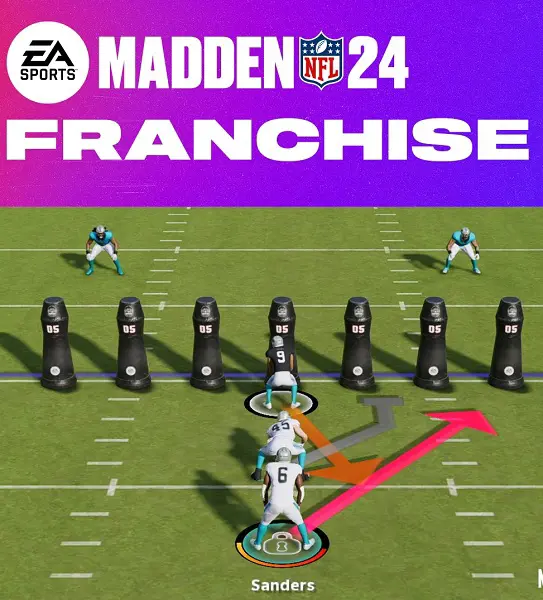
Madden 24 Superstar Mode Not Working

Madden 24 Superstar Mode not working can be due to a pending update, connection issue, bug, or EA game server problem.

If the developers are the culprit, you cannot do anything to solve it. You must wait till EA rectifies it from their side.

Likewise, gamer server problem is also a frequent troublemaker. EA servers go into maintenance frequently to resolve bug issues and another update that interrupts the Superstar mode.

You can visit Downdetector to see if you are solely facing the problem or if other users share similar experiences.

Usually, EA releases notice before the maintenance, and during the downtime, various features become inaccessible.

( Source : twitter )

Similarly, one of the easiest solutions if you face the Superstar Mode not working problem would be to restart the game. It will clear all the temporary data and launch the game from a clean slate. Many times, it helps resolve minor issues.

Another solution is restarting your internet connection. If your internet connectivity is poor and the game cannot retrieve necessary data, it won't load in Superstar mode.

Additionally, the problem may also arise if your game is running on an older version. Downloading the latest patch and updating the game can be the ideal solution.

Madden 24 Online Franchise Issues

Madden 24 online franchise issues include the game crashing and freezing mid-game and the 'Connection Error' or 'Connection lost' problem.

( Source : twitter )

If you face these problems, you can try out the following solutions:

  • Restart you game
  • Check the internet connectivity and restart the router
  • Update your game to the latest version
  • Remove the connected devices and reconnect them

Even after trying these options, if you cannot sort out the issue, you can try uninstalling the game and reinstalling it.

Doing so will clear all the game data and temporary files. It will also remove the cache, and along with it, the malicious file will also be deleted.

Likewise, Xbox users can try these options:

Clear Persistent Storage

  • Head to Settings and choose Device & Connections.
  • Open Blue-Ray and select Persistent Storage.
  • Now, choose Clear Persistent Storage.

Clear Alternate Mac Address

  • Open Setting.
  • Choose General > Network Settings.
  • Navigate to Advanced Settings and click Alternate Mac Address.
  • Press Clear > Restart.

Madden 24 Server Status Updates

Madden 24 server status can be best checked on X accounts like EAHelp, EAMaddenNFL, and MaddenNFLDirect. Problems related to technical errors are present here.

EA Answers HQ for the game is another viable option to check the game's status. Several subreddit pages also keep updating about several issues faced by the users.

Regarding the server status, MaddenNFLDirect posted a critical server maintenance tweet via their official Twitter page. Per the tweet, the Madden 24 servers will go for a maintenance break on the 8th of November at 6 a.m. Eastern Time.

All the online modes will be unavailable to play, and the solo battles will be restricted half an hour earlier at 5:30 a.m. ET.

Previously, the game went into maintenance on the 2nd of November at 6 a.m. ET. Like every other update, the online modes were unplayable. Madden Ultimate Team and Solo Battles were unselectable from 5:30 a.m. ET.

It gave us Title Update 4 with various bug fixes and a wide range of adjustments in

  • Face scans and celebration
  • Gameplay
  • Franchise mode
  • MUT
  • Superstar mode
  • Presentation

Related post of Quick Learn