Quick Learn

Does NFL Sunday Ticket Have Teacher Discount?

By Sushan Shrestha / 7 September 2023 09:10 AM

( Source : twitter )

NFL Sunday Ticket Teacher Discount is not available for educators. They have to pay the normal charge of $349 to get it on YouTube TV.

The trend of discounts has been ongoing for the last four months on Sunday Ticket. YouTube has been offering various deals to attract new subscribers to their platform.

The $2 billion deal between Google and the league has made the video-sharing platform the distributor for the upcoming 2023 season.

Like every other year, the Student Plan has been launched. It has seen a cost reduction for the year, while other packages have seen a price hike.

Any college or university-attending pupil over 18 can lodge for the discounted amount. The package was aired on August 23.

The deadline to acquire this plan is set for the 7th of September. Anyone wishing to get the bargain must verify their status through SheerID.

YouTube TV Teacher Discount Offers

YouTube TV teacher discount is a non-existent concept since Google has not released any such offers. They has retained the Student Discount model.

( Source : twitter )

Teachers can sign up for a YTube TV subscription before September 19 and receive a dollar concession, like any other person.

If any platform has a designated special proposition for educators, it is via SheerID. The Back-to-School campaign allows teachers and students to grab unique brand offers.

Teachers need to verify and claim the rewards from respective brands. Some of the brands offering decent bargains are:

  • Allbirds: 15%
  • Bonobos: 25%
  • CorePower Yoga: 20%
  • Holland America Line: $100 Onboard Credit per stateroom
  • Kipling: 15%
  • Levi's: 15%
  • Morningstar: 60%
  • Whirlpool: 15%
  • Aveda: 20%
  • CheapCaribbean: $150 off
  • USA Today: All Access Subscription at $1 for three months
  • SONIC Drive-in: Free 3-piece Buffalo Chicken Dip Bites with any app purchase on 14 August

NFL RedZone Student Discount

NFL RedZone Student Discount has seen the $40 price drop to $10. The 30-dollar concession is for students who bundle up NFL RedZone with Sunday Ticket.

Eligible students can purchase the Sun Ticket at $109 and enjoy the out-of-market regular season Sunday afternoon contests.

On top of that, you can use 'STUDENT 10' to get a $10 concession during the purchase.

Last year, when DirecTV handled the distribution, the fee was $120.

( Source : twitter )

Likewise, YouTube has been bringing up various discount offers for everyone. Currently, they are running a $50 bargain on all packages that expire on the 19th of September.

They have brought the option to make four payments so the subscribers can easily afford the yearly plan in all four bundles.

Here is a full listing of before and after prices for all the available packages:

  • NFL Sunday Ticket on YouTube TV: Before $349, now $299
  • NFL Sunday Ticket + RedZone on YouTube TV: Befoe $389, now $339
  • NFL Sunday Ticket on YouTube: Before $449, now $399
  • NFL Sunday Ticket + RedZone on YouTube: Before $439, now $489

The YouTube TV package requires a recurring monthly charge of $72.99 for the TV base plan. In return, you get over a hundred live channels to enjoy national sports live via ESPN, CBS, Fox, NBC, and ABC. It also provides access to local and national NFL fixtures.

How Does SheerID Verify Student Status?

SheerID verifies student status by checking the student-provided information, such as name and date of birth, with the authoritative data source.

The process is simple and quick. The data provided by the user claiming to be a student undergoes the security checking procedure, where the system looks up the exact information in its database.

( Source : sheerid )

If there is a match, they consider the user a SheerID-verified student of a certain educational institution.

But, if the system fails to find any match in its authoritative data, the user must submit additional documents for verification. It includes the class schedule, transcript, and tuition receipt.

Previously, the student verification process only required an individual to enter the .edu email address and get the student's offer. It was a simple and quick process.

However, the workaround ways and tricks, along with former alumni still having access to their college email addresses, sidelined many actual students from discounts and offers.

The vulnerability to fraud activities and misuse of .edu email addresses has changed the system. The stricter method SheerID uses ensures that students enrolled in college are eligible for discounts and other student offers.

The necessity for a person to verify their SheerID account once every year makes the process transparent and accountable.

Hulu Live TV Student Discount

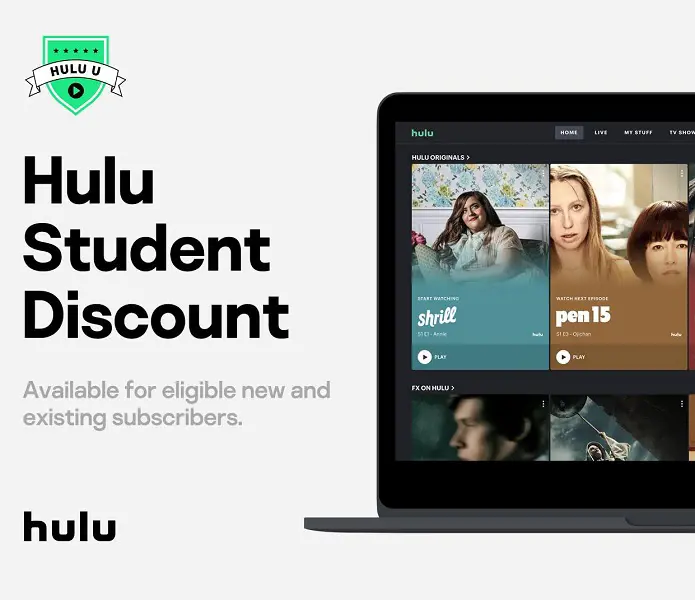
Student discount on Hulu Live TV is available on Hulu ad-supported plan at a monthly charge of $1.99. The normal users are charged $6.99 per month.

The 65% discount is only available for students pursuing a graduate or advanced degree in any Title IV university or college in the United States.

( Source : facebook )

Switching the package to Hulu (No Ads) will strip your student discount eligibility, as the concession is only available in an ad-supported plan. You can switch to a Hulu ad-supported plan anytime if you are eligible for a student discount plan.

Likewise, you can have ESPN+, Disney+, Max, SHOWTIME, Cinemax, and Starz, all with ads through Partner Add-ons and Premium Add-ons for an extra charge.

Follow these steps to get the Hulu Student Discount:

  • Open hulu.com/student on a web browser.
  • Press Get this deal.
  • Fill in your personal details > Continue.
  • You will be taken to the SheerID website, where you need to verify your SheerID student status.
  • After that, click Continue.
  • Provide your billing information.

Note: The above-mentioned method is for new Hulu subscribers.

Get student discount: Existing Subscribers

Hulu subscribers who want to sign up for the bargain can follow the steps below:

  • First, log in to your Hulu account and head to the Account Page.
  • Click the arrow on the top banner to head to the discount page.
  • Now, choose Get this deal > Sign up > Continue.
  • Verify on SheerID > Continue > Add billing details.
  • Finally, press Submit.

Related post of Quick Learn